With the explosion of streaming services like Netflix, Disney+, Prime Video, and Hulu offering vast 4K/HDR content, a dedicated streaming device can upgrade any TV—smart or not—into a powerful entertainment center. the best streaming devices for TV deliver seamless 4K playback, Dolby Vision/Atmos support, fast interfaces, voice remotes, and smart home integration, outperforming many built-in TV apps in speed and app availability.
Our top recommendations balance performance, price, and ecosystem:
Roku Ultra (best overall),
Amazon Fire TV Stick 4K Max (best budget),
Apple TV 4K (best premium/smart home),
Google TV Streamer (best Google/Android TV),
NVIDIA Shield TV Pro (best for gaming & local media).
These picks prioritize 4K/HDR compatibility, app libraries, remote quality, and value ($55–$220), suitable for cord-cutters, gamers, or smart home users.
ALSO READ: Best Device for Streaming 4K
Benefits of Buying a Streaming Device Instead of Relying on Built-in Smart TV Apps
Why You Might Need a Dedicated Streaming Device
Even with “smart” TVs, a separate device offers significant upgrades:
- Faster performance & smoother navigation — Dedicated hardware avoids laggy TV OS.
- Larger app selection & better updates — Access to niche services, quicker bug fixes.
- Future-proof features — Support for new codecs like AV1, HDR formats, or AI upscaling.
- Superior remote controls — Voice search, backlit buttons, hands-free options.
- Improved privacy & fewer ads — Some devices (Apple TV, Roku) have cleaner interfaces.
- Upgrade older TVs — Turn non-smart or outdated sets into 4K streaming powerhouses.
If your TV’s apps feel slow or limited, a best streaming device for TV can revitalize your setup.
Top 5 Best Streaming Devices for TV
Here’s our curated list of the highest-rated streaming devices, evaluated on performance, features, app support, and user feedback.
Roku Ultra (2024/2025 model) – Best Overall
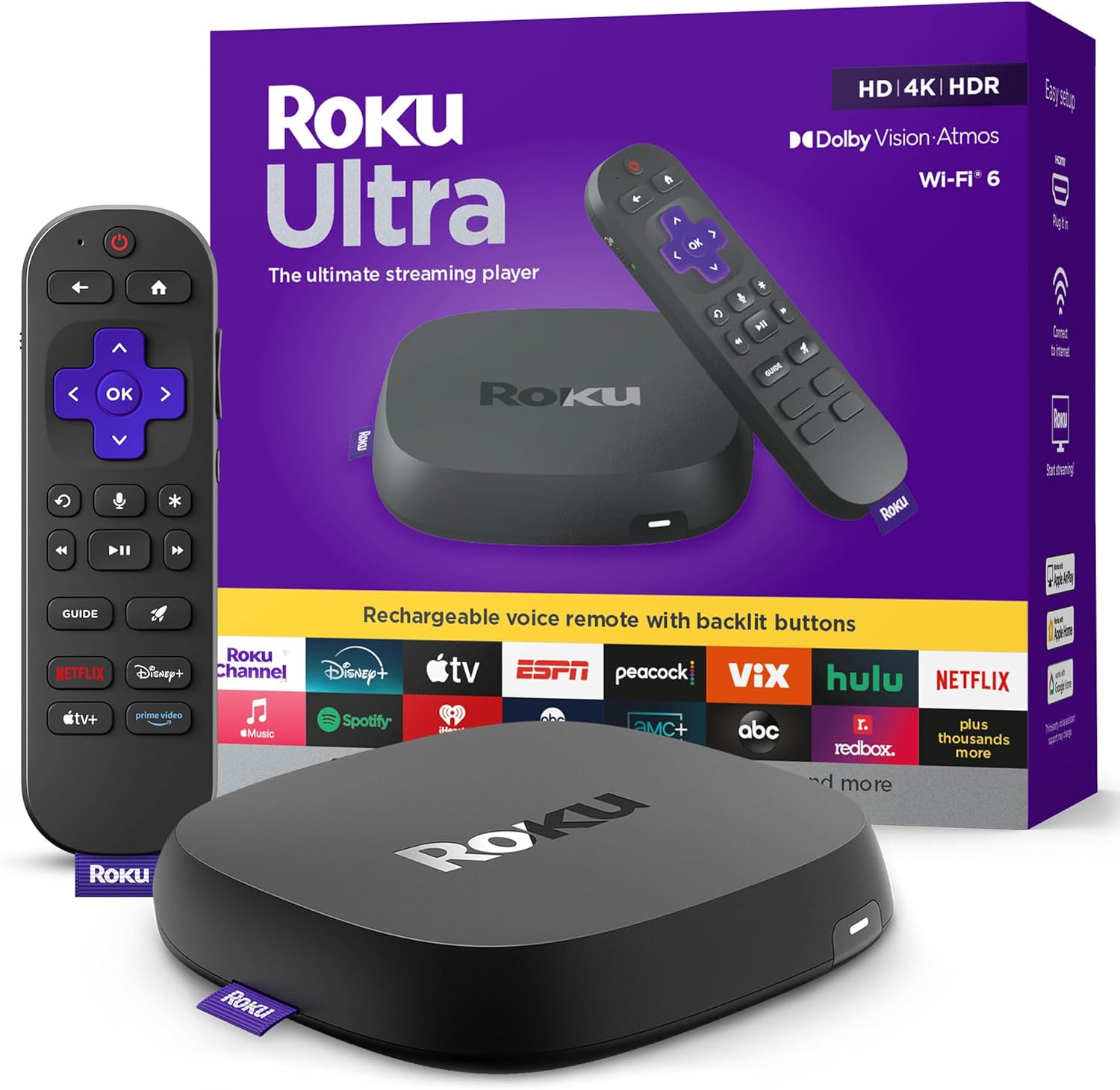
- Features: 4K HDR10+/Dolby Vision | Dolby Atmos | Quad-core processor | Ethernet/USB ports | Voice remote with hands-free | Private listening
- Pros: Clean interface, massive app library (Netflix, Disney+, HBO Max, etc.), regular updates, great value
- Cons: Ads on home screen, no native Apple AirPlay (uses third-party)
- Best For: Most users wanting simplicity and broad compatibility
Amazon Fire TV Stick 4K Max (2nd Gen) – Best Budget / Best Value
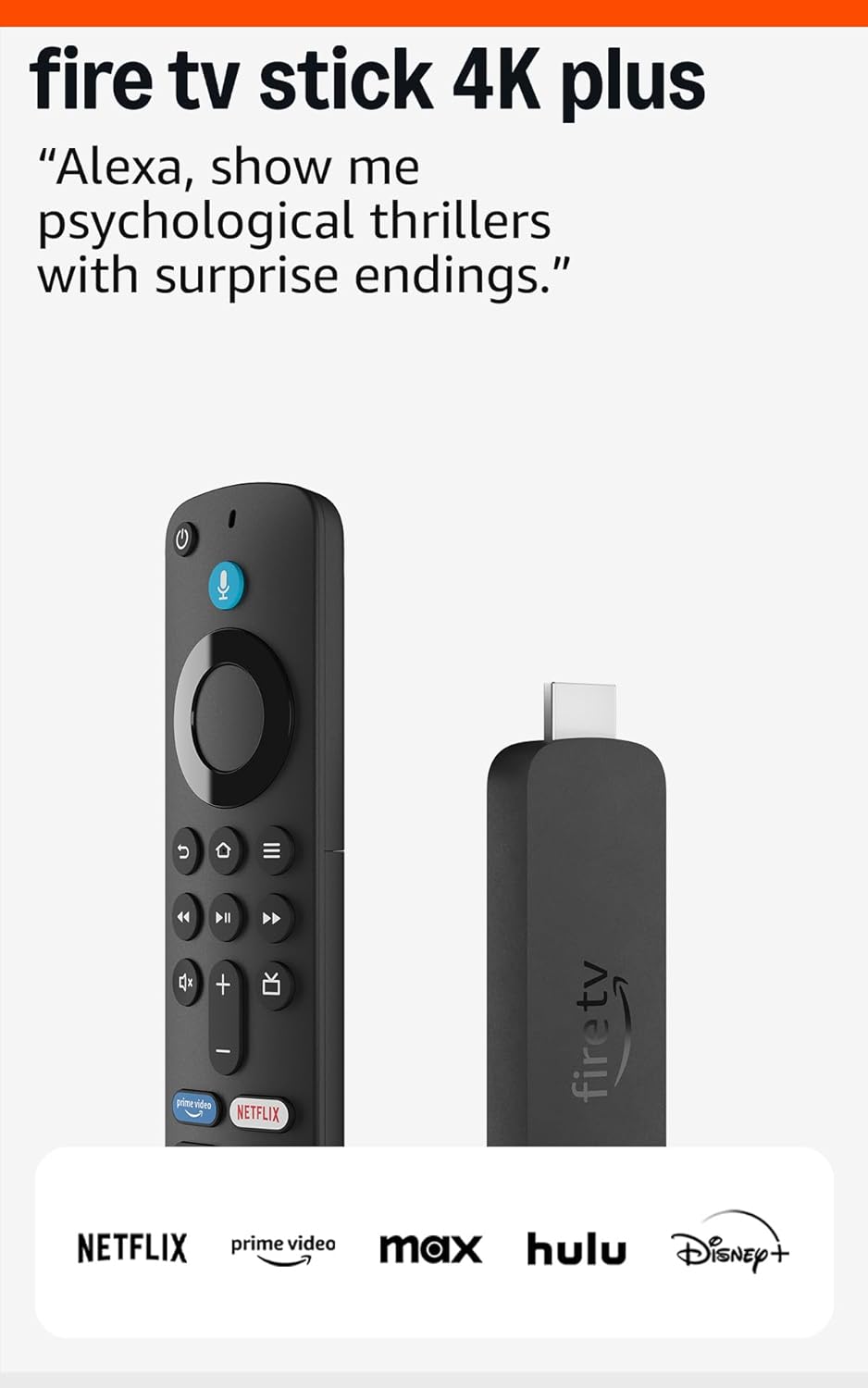
- Features: 4K Dolby Vision/Atmos | Wi-Fi 6E | Alexa voice remote | Fast processor | Expandable storage
- Pros: Affordable, strong Amazon integration (Prime Video, Alexa skills), smooth performance
- Cons: Heavy Amazon content/ads, ecosystem lock-in
- Best For: Prime members, budget buyers
Apple TV 4K (3rd Gen) – Best Premium / Best Smart Home Integration

- Features: 4K Dolby Vision/Atmos | A15 Bionic chip | Thread/Matter support | Siri remote | AirPlay/HomeKit
- Pros: Blazing speed, clean interface, seamless Apple ecosystem integration
- Cons: Higher price, less ideal outside Apple world
- Best For: Apple households, premium experience seekers
Google TV Streamer (4K) – Best for Google/Android TV Fans
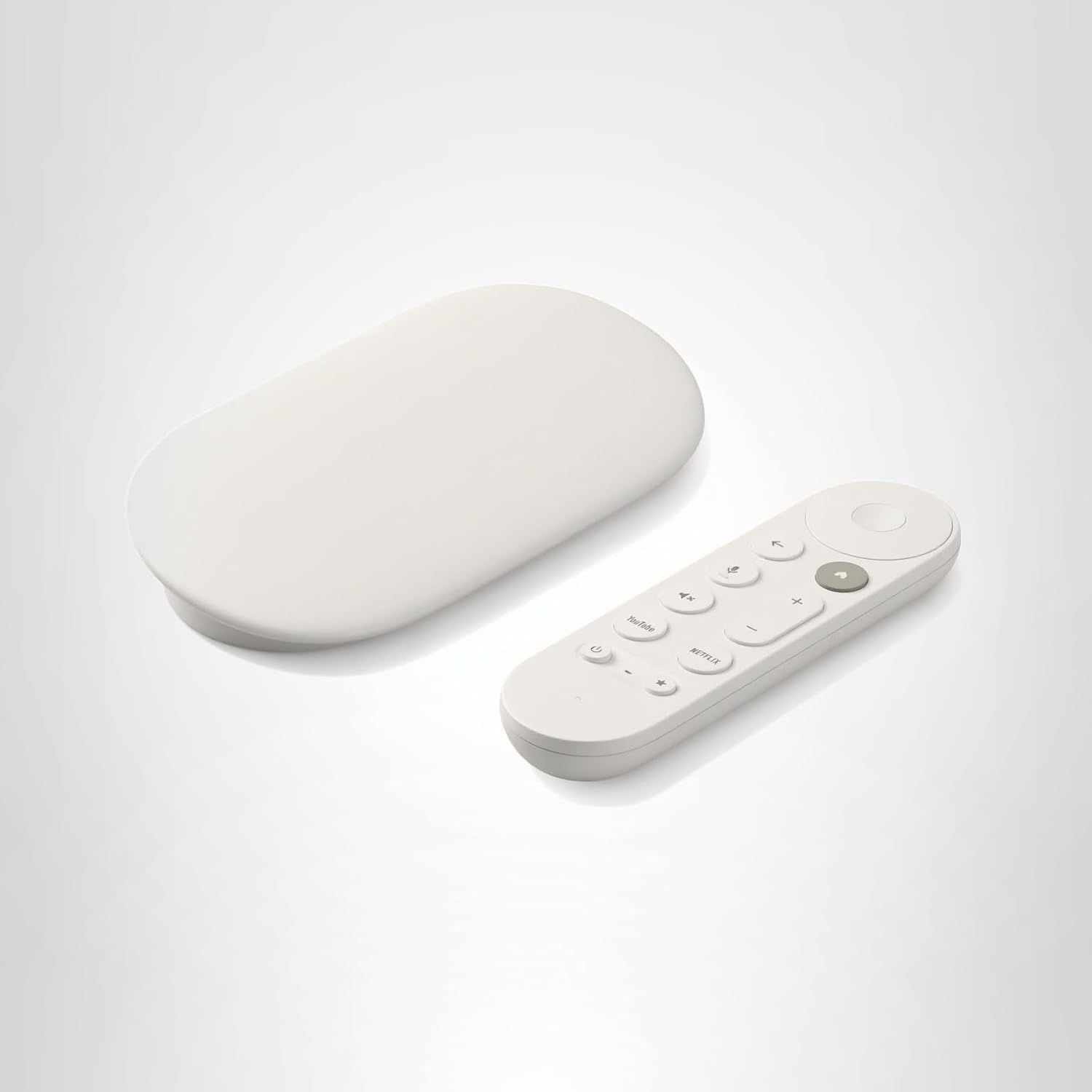
- Features: 4K Dolby Vision/Atmos | Google Assistant | Chromecast built-in | Matter/Thread smart home hub
- Pros: Intuitive Google TV interface, excellent casting from Android, voice search
- Cons: Slightly slower than Apple/Roku in some benchmarks
- Best For: Google Home/Android users
NVIDIA Shield TV Pro – Best for Gaming & Local Media
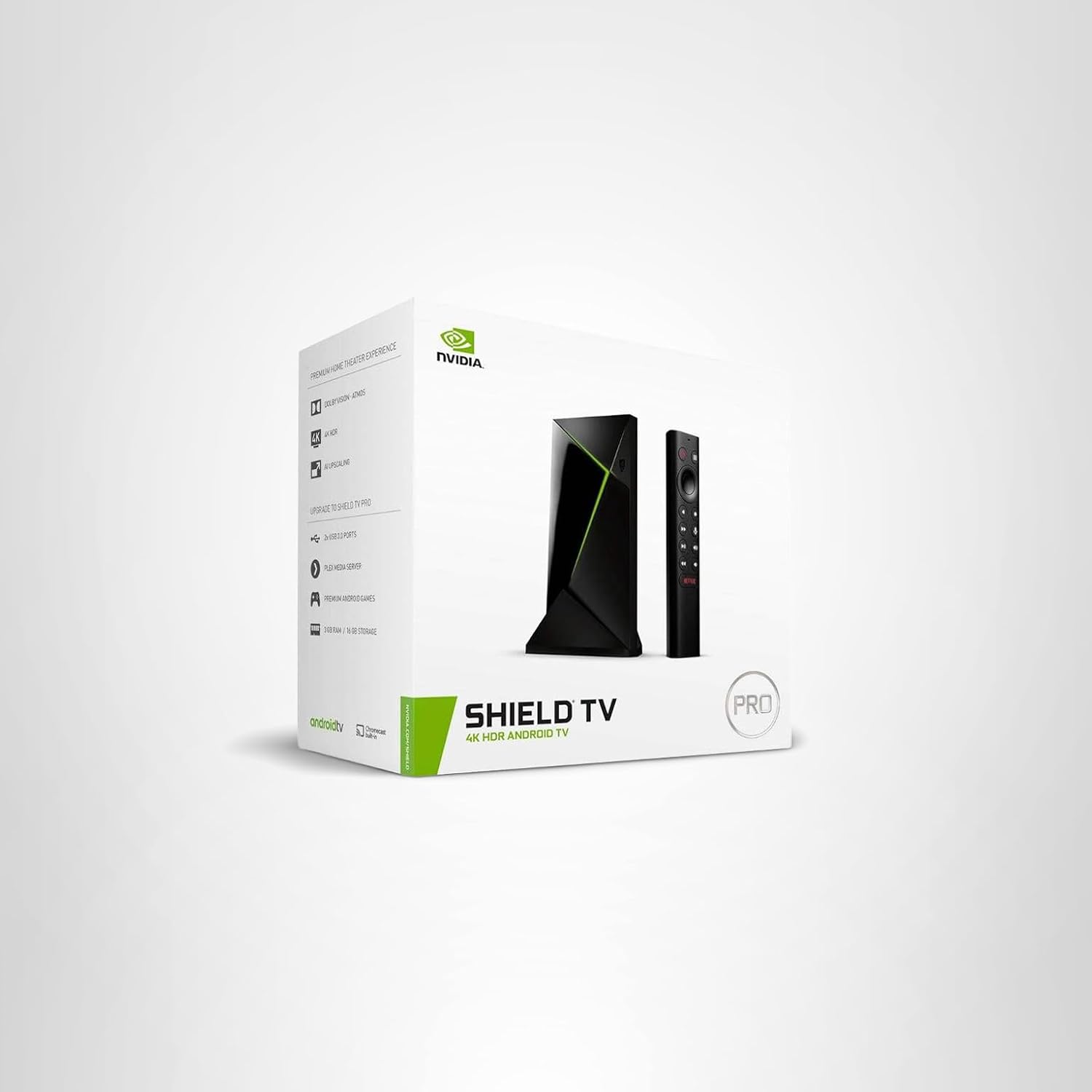
- Features: 4K HDR/Dolby Vision | Tegra X1+ processor | Plex server | GeForce Now gaming | AI upscaling
- Pros: Powerhouse for local media/Plex, cloud gaming support, long-term updates
- Cons: Bulkier, higher price
- Best For: Plex users, gamers, large media libraries
Quick Comparison – Best Streaming Devices for TV
| Rank | Device | Price (approx.) | Resolution & HDR | Remote Type | Best For | Subscription Needed? |
| 1 | Roku Ultra | $$$ | 4K HDR10+/Dolby Vision | Voice (hands-free) | Simplicity & app variety | Optional |
| 2 | Fire TV Stick 4K Max | $$$ | 4K Dolby Vision/Atmos | Alexa Voice | Budget + Amazon ecosystem | Optional |
| 3 | Apple TV 4K (3rd Gen) | $$$ | 4K Dolby Vision/Atmos | Siri Touch | Apple users & premium | Optional |
| 4 | Google TV Streamer | $$$ | 4K Dolby Vision/Atmos | Google Assistant | Google/Android TV users | Optional |
| 5 | NVIDIA Shield TV Pro | $$$ | 4K HDR/Dolby Vision | Voice | Gaming & Plex/local media | Optional |
How to Choose the Best Streaming Device for Your TV
Buying Guide: How to Choose the Right Streaming Device
- Ads matter? — Roku or Apple TV for fewer intrusions.
- Ecosystem locked? — Match your devices (Apple → Apple TV, Amazon → Fire TV, Google → Google TV).
- Fastest needed? — Apple TV 4K or NVIDIA Shield for top speed.
- Ethernet required? — Roku Ultra or NVIDIA for wired stability.
- Cheapest good option? — Fire TV Stick 4K Max or Roku Express 4K.
- Local media/gaming? — NVIDIA Shield Pro.
What Real Users & Experts Are Saying
Real User & Expert Consensus
- Roku Ultra: “Still the simplest and most reliable” – Wirecutter
- Fire TV Stick 4K Max: “Best bang for buck” – CNET
- Apple TV 4K: “Fastest and cleanest experience” – TechRadar
- Google TV Streamer: “Best casting experience” – PCMag
- NVIDIA Shield: “Still the king for Plex and gaming” – Reddit r/hometheater
From Amazon/Reddit reviews: Users praise Roku’s neutrality, Fire TV’s speed, Apple TV’s polish.
Tips Before You Buy a Streaming Device
Quick Buying Tips & Common Mistakes
- Ensure TV supports HDR/Dolby Vision for full features.
- Opt for Ethernet if streaming 4K to avoid buffering.
- Factor in subscriptions—Netflix 4K requires compatible devices.
- Skip ultra-cheap <$40 sticks for poor 4K performance.
- Buy from easy-return spots like Amazon/Best Buy.
Which 4K Streaming Device Should You Buy Right Now?
The best streaming devices for TV lead with Roku Ultra for overall excellence. Choose Fire TV Stick 4K Max on budget, Apple TV 4K for premium polish, or NVIDIA Shield TV Pro for gaming/media. Match to your ecosystem and needs—upgrade your TV today!